Package Qt6 macOS App Bundle With Translation Files In CMake

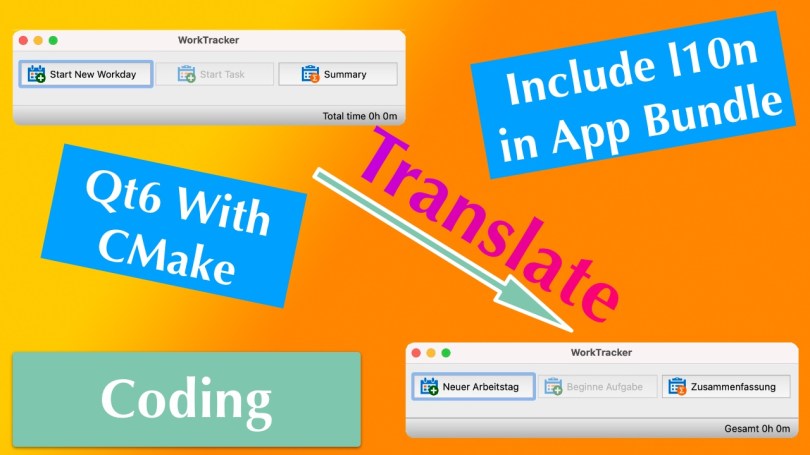
Recently, I wrote about how you can create a macOS app bundle with CMake for a Qt6 application. I omitted the inclusion of translation files, which also required code changes. Well, I figured it out and will briefly explain what I had to do.

In my WorkTracker application, I store the language files in a folder called “l10n” at the project’s root. The first thing to do is instruct CMake to copy the *.qm files to the app bundle’s “Resource” folder. I have done that before for the app icon, and the process is similar for this kind of file.

set(l10n_files
    "${CMAKE_SOURCE_DIR}/l10n/qt_de_DE.qm"
    "${CMAKE_SOURCE_DIR}/l10n/de_DE.qm"
    "${CMAKE_SOURCE_DIR}/l10n/en_US.qm"
)

set_source_files_properties(${l10n_files} PROPERTIES 
    MACOSX_PACKAGE_LOCATION "Resources/l10n")

qt_add_executable(WorkTracker MACOSX_BUNDLE 
    ${worktracker_src} 
    ${app_icon_macos} 
    ${l10n_files})
  1. Define a variable l10n_files that contains all the files.
  2. Tell CMake that these files shall end up in the app bundle, in the “Resources/l10n” folder, to be precise.
  3. Include the files in the call to the qt_add_executable function.
A macOS Finder window showing the contents of the "Resources/l10n" folder in an app bundle.

Now that the translations are part of the bundle, a minor modification to the code tells the application where to find them. The Qt documentation contains a section about using macOS APIs to determine the bundle location. That is not necessary, though. Qt also has a helpful method to achieve the same goal, QApplication::applicationDirPath().

#if defined(Q_OS_LINUX)
    // On Linux the translations can be found in /usr/share/worktracker/l10n.
    auto l10nPath = "/../share/worktracker/l10n/";
#elif defined (Q_OS_WIN)
    // On Windows the translations are in the l10n folder in the exe dir.
    auto l10nPath = "/l10n/";
#elif defined (Q_OS_MAC)
    // On OS X the data is somewhere in the bundle.
    auto l10nPath = "/../Resources/l10n/";
#endif

auto appDir = QApplication::applicationDirPath() + l10nPath;

This method returns the absolute path to the “MacOS” folder inside of the bundle, the folder where the application’s binary is located. Appending /../Resources/l10n/ first navigates up to the “Content” folder (via /..), which is more or less the bundle’s “root” directory, and from there, goes to “Resources/l10n”. Finally, the language files are loaded like on Windows, and the translation works as expected.

I hope this was helpful because I could not find much information on this specific topic.

Thank you for reading.
Apple Silicon M1 for Software Development: Java, C++ with Qt

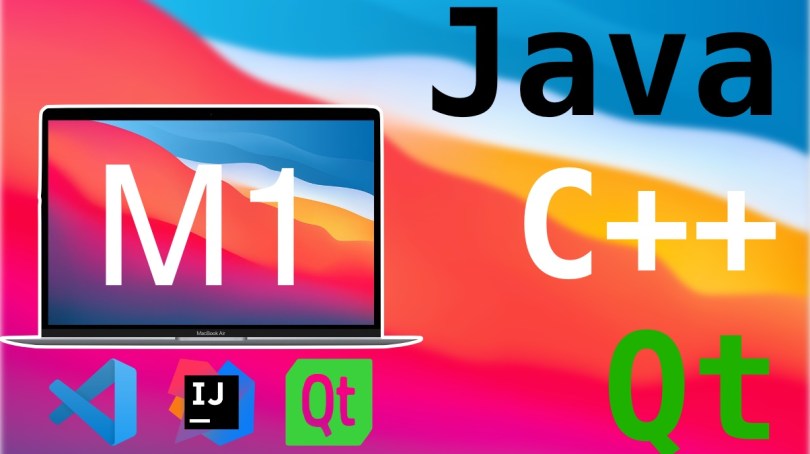
Apple’s laptops have been making quite the splash since the end of 2020 and have made a massive comeback as a professional tool one year later with the M1 Pro and Max designs. Most of the reviews I have seen focus on the editing and rendering capabilities of these new MacBooks. A few reviewers throw a compile test in the mix, but compiling Chromium or any other huge project is only a part of the equation. Developers don’t just compile code; they also use tools and IDEs to develop their software.

Being new to the M1 world, I wanted to recap my experiences so far briefly. I use Java professionally, and I also have a C++ application based on the Qt framework that I wrote an eon ago and still use productively. Being a former C++ professional, I am about native performance, and I like native software. Therefore, I intended to utilize as many Apple Silicon-native tools as possible. Luckily, one year after its release to the desktop world, the most popular applications have caught up. Let me go through my tool suite one by one.

Read More »

Writing a Custom Backup Solution

If you are a user of any form of computer and care one bit about your sanity, then you probably have a backup strategy. Otherwise, if all hell breaks loose and your whole computer burns to ash or the hard drive melts to a heap of metal, turning it into an ugly door stop, you’ll likely be kinda angry, maybe slightly pissed, your pulse most definitely at 180, that you’ve lost all your data. I’d certainly be, especially about all my pictures of all the festivals and places I’ve been to. 

(And maybe some family 😅)

But, to be honest, I’ve been a bit lazy about backups for some time now. I do have copies of all my important files, but that’s not a backup. It’s a copy. A backup lets you go back in time and get an older version of a file or folder, not just the most recent one that has been synced.

So why is it, that I’m not as diligent as I should be? There are a few factors in that equation. It’s laziness for one, knowledge that I do have at least one copy, the fact that I haven’t had any data loss so far and stinginess. Why the latter? Up until now, being a Windows user (not any more though, on my main machine), I was relying on Acronis True Image, a commercial backup software. However, the version that I own – 2014, I think – stopped being reliable in one of the past Windows 10 versions. I simply don’t want to spend the money any more.

I’m not here to tell you that I have changed my mind on that. No. I’m, of course, coding my own solution. Why wouldn’t I? Everything is done multiple times in the Open Source community.

Read More »

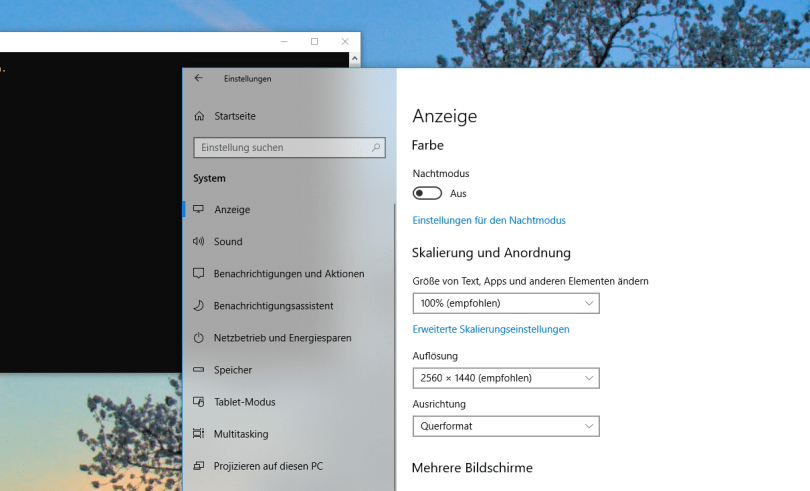
Windows Fluent Design – Rendering Bugs?

As an avid listener of Windows Weekly I often hear discussions between Paul Thurrott, Mary Joe Foley and Leo Laporte about Microsoft’s Fluent Design. Microsoft continues to evolve the visual language of Windows and thus it’s a regular topic on one of my favorite podcasts. I’ve been noticing it here and there myself, mainly in system dialogs, but I’ve never really paid any attention because none of the applications I use on a regular basis make use of it – and currently I’m rather happy about that fact. Just recently though, I was struck by one effect in particular and that was the spark that got this blog post going. To be honest, in most cases where I notice these Fluent Design elements I think of them as rendering bugs. Like sometimes in games, when the graphics driver is not yet optimized, or a badly programmed game engine draws odd pictures sometimes, flaws in an otherwise normal picture. I have a few examples to show to you.

Read More »

Apple WWDC 2018 Announcements – A few thoughts

As I do every year, I watched the Apple WWDC 2018 keynote, for personal entertainment purposes as well as a genuine interest in what Apple is doing. The same is also true for both Google’s and Microsoft’s developer conferences. This is not a comprehensive summary as done by other Apple news sites and blogs, but rather  a few thoughts on what I’ve seen and how it may or may not affect me.

iOS Update Strategy

Every year, and with good reason, Apple mocks Google’s Android platform for lagging behind in the software update department. This year was no different, as was to be expected, but in addition to that they emphasized the support of devices dating back to 2013. Five-year-old iPhones and iPads! Take that Android.Read More »