AMD Radeon RX 5700 XT Stuttering at 1080p

Quick note before I go into any details: I did not find a solution for this problem, unfortunately. I’ll be explaining what happened and show frame time graphs as proof.

So, with that out of the way, let’s get into it. I’m certainly not the only one with this issue. If you employ the search engine of your liking you will find many threads covering that topic (like here and here and here and here and so on). Some managed to get it working, some did not. I’m obviously in the latter category.

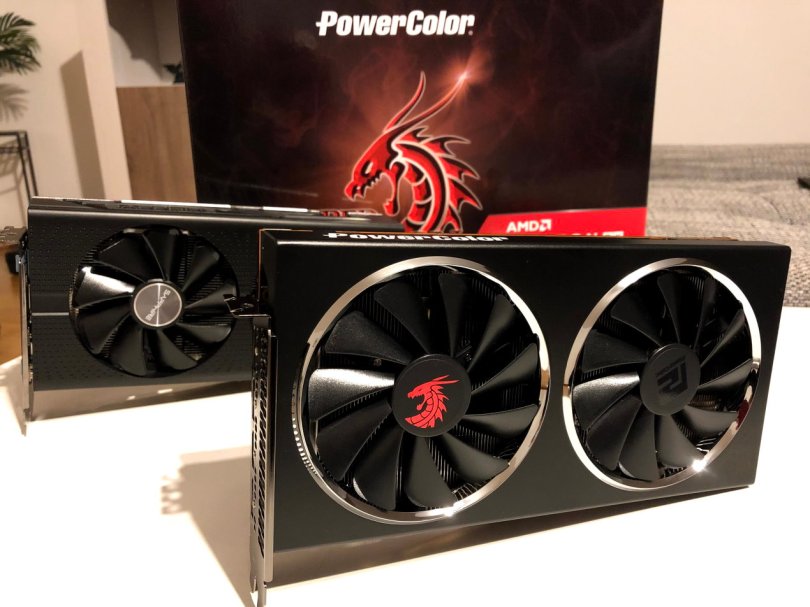
What happens? From what I found in my research it seems like the RX 5700 XT GPU aggressively tries to save energy if it is not fully utilized. If you run MSI’s Afterburner or any other monitoring software, then you’ll see the GPU load and frequency being all over the place. In general, this is a good thing – if it does not affect perceived performance. And this is where it fell apart for me.

Read More »

Windows Fluent Design – Rendering Bugs?

As an avid listener of Windows Weekly I often hear discussions between Paul Thurrott, Mary Joe Foley and Leo Laporte about Microsoft’s Fluent Design. Microsoft continues to evolve the visual language of Windows and thus it’s a regular topic on one of my favorite podcasts. I’ve been noticing it here and there myself, mainly in system dialogs, but I’ve never really paid any attention because none of the applications I use on a regular basis make use of it – and currently I’m rather happy about that fact. Just recently though, I was struck by one effect in particular and that was the spark that got this blog post going. To be honest, in most cases where I notice these Fluent Design elements I think of them as rendering bugs. Like sometimes in games, when the graphics driver is not yet optimized, or a badly programmed game engine draws odd pictures sometimes, flaws in an otherwise normal picture. I have a few examples to show to you.

Read More »

I could really bite myself in the butt right now

Somehow, I managed to lose the Intel mounting bracket and standoffs for my Corsair H100i v2 liquid cooler. To be honest, I’m pretty sure I sold them together with the Intel motherboard when I switched to AMD Ryzen. Yes, you read that correctly.

Sold. With. Motherboard.

I can’t find that stuff anywhere in all the packaging that I always keep around until I throw away or sell the hardware. So that’s the only logical conclusion says Mr. Spock.Read More »

NVIDIA GTX 970 vs GTX 1080

As mentioned in the Overclocking the Core i5 post a while back, my graphics card was limiting higher performance outputs, especially since it had to render games in 2560×1440. I hinted at an additional post dedicated to overclocking the GPU and this is it in some ways. I did overclock the GPU, but shortly after I also replaced it with a Gigabyte G1 Gaming GTX 1080. Nevertheless, for comparison, I will include the overclocked results based on the custom graphics settings from the last post and also compare it to the 1080 using default game presets. This way you can easily compare with your own rig. I had hoped I could also include Ryzen tests, but unfortunately Corsair’s AM4 mounting kit for the watercooler is still travelling around the world. So, there’ll be another performance related article (hopefully) soon. That one will compare the overclocked i5 with the GTX 1080 to a Ryzen 1700X with the 1080. Not only in games, but also in encoding.Read More »

Overclocking Intel Core i5 6600K to 4.2 GHz

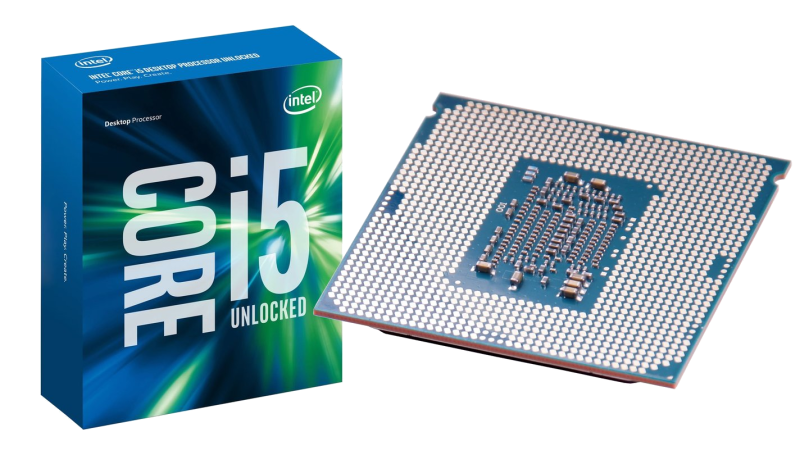
The Skylake i5 is the 6th generation Core micro-architecture that has a lot of gaming power by default, especially the K series of CPUs. But, with only 4 cores and no hyper-threading, they are just not the right fit for some scenarios, especially video encoding. So, other than buying a new CPU (and board and maybe even RAM – as intriguing as it sounds), what can you do to get more performance? Overclock it! That’s what the K stands for, right? OverKlocK.Read More »

Ergonomic Workplace / Gaming Mouse & Keyboard

Until a couple of months ago my main focus on buying input devices for computers was based on performance and price. I mean, in general that is how one goes about spending money, right? Check the spec sheet and see if it’s worth it. That’s how I always buy my things. I make up my mind that I need something and then I visit my preferred retailer websites and compare the prices. At my home desktop I am a bit more demanding than at work where I simply used (past tense) what came with the computer, but ergonomics never played a role. Boy has that changed.
Read More »

Windows 10: First Impressions (Preview Build 10041)

While I was grooming my unicorn on Crazy-Talk Island I read on the Internet about a thing called Windows 10. Curious as I am, I went out to watch the huge presentation on Jan, 21 where Microsoft officially unveiled the mobile version of Windows 10 and the cool hardware stuff. There’s also a very nice set of videos by Scott Hanselman on YouTube that show the changes from version to version.

Actually I’m very much aware of Windows 10 since the beginning, as a developer I’d be crazy not to, so I registered as a Windows Insider yesterday and downloaded the technical preview build 10041. Here’s a summary of my first impressions.
Read More »

Windows 8.1: One Year Later – I Get It Now

Windows 8 wasn’t all too well received, hardly a secret if you follow the tech press, neither by customers nor by businesses. There are a few folks who like it but they are, like those Windows Phone enthusiasts (that really do exist), a very minor minority (without report).

*Ahem*

About a year ago, I started using Windows 8.1 as my main operating system (which I’ve written about a few months later). Before, it was just a necessity to get the Soundblaster audio card to work. However, going through the same positional-sound problem again after upgrading from 8.0 to 8.1, I’m sure using Windows 8 fixed the problem by accident. Creative’s drivers are just a bulk load of crap, as they’ve always been. Had I not had the iMac as a work computer at that time, I’m not sure I would’ve installed Windows 8 instead of 7, but rather gotten rid of the Soundblaster Z. If you’ve read the post about the sound card, you know I was one of the many people that had an axe to grind with this OS.
Read More »

NVIDIA GTX 970 vs. AMD HD 7870 vs. NVIDIA GTX 560 Ti

My gaming PC is about two years old now (read this and this for more information) and although I didn’t really have any serious, permanent performance issues in games, I felt that it was about time to change something.

Here’s a short review and benchmark comparison of NVIDIA’s latest GTX 970 vs. the AMD Radeon HD 7870 (quite a mouthful) that I had installed before. The latter also had to show what it can do compared to an older NVIDIA GTX 560 Ti.
Read More »

ASRock P67 Pro3 BIOS Error Code 97

Recently I wanted to install a Gigabyte Radeon HD7870 in an older PC with an ASRock P67 Pro3 Mainboard. The surprise was big when the monitor didn’t show an image and the computer didn’t boot. Instead, the mainboard’s debug panel showed the error code 97. According to the manual this means “Console Output devices connect”. Not connectED but more likely in the process of initializing the graphics card and failing while doing that.

There’s an easy fix for that. Installing the latest BIOS version (3.30, installed at the time was 2.02) resolved the issue and the computer booted without problems.

Samsung R50 WVM 1730 Disassembled

In my second year as a trainee (nine long years ago) I bought myself a Samsung R50 notebook to replace my aging desktop PC and also take it with me to school (and play games on it – at home of course). At the time this computer was very efficient from a mobile perspective and also well suited to play serious games. Of course, at some point several years later its age became apparent and this year on April 8 the installed operating system, Windows XP, finally became officially obsolete. Since then the computer was sitting at my mother’s house, waiting for… well… a resurrection!Read More »

The Bumpy Road to PC 5.1 Surround Sound

When building the PC for gaming on the TV one thing I had in mind was leveraging the already existing 5.1 sound system. After the move from the TV screen back to a desktop monitor I thought my headphones would suffice for the time spent playing games. At first that assumption turned out to be true, however, not only did I use the headphones for gaming but also when watching TV shows. In the evening, after work, I wanted to enjoy the audio but had no interest in disturbing my neighbors. After a while this led to the headphones becoming quite uncomfortable for all those hours wearing them, especially during the weekend gaming session when having them on the head for several hours.

So, what does a tech-nerd do about that? Buy himself a dedicated sound system for the PC, he does!

Read More »

Thoughts about SteamOS and Steam Machine

Valve just recently anounced its plans about a SteamOS based gaming machine and its own controller. As I’ve been through this experience of a gaming computer in the living room this year, I thought I might add my two cents on that.

The idea itself is compelling, sitting on the couch and gaming on the big screen is very appealing. Especially, considering that this is where the powerful sound system is connected to. This had been one of the driving forces behind my decision to try it out.

Read More »

Project HTPC: Experiences

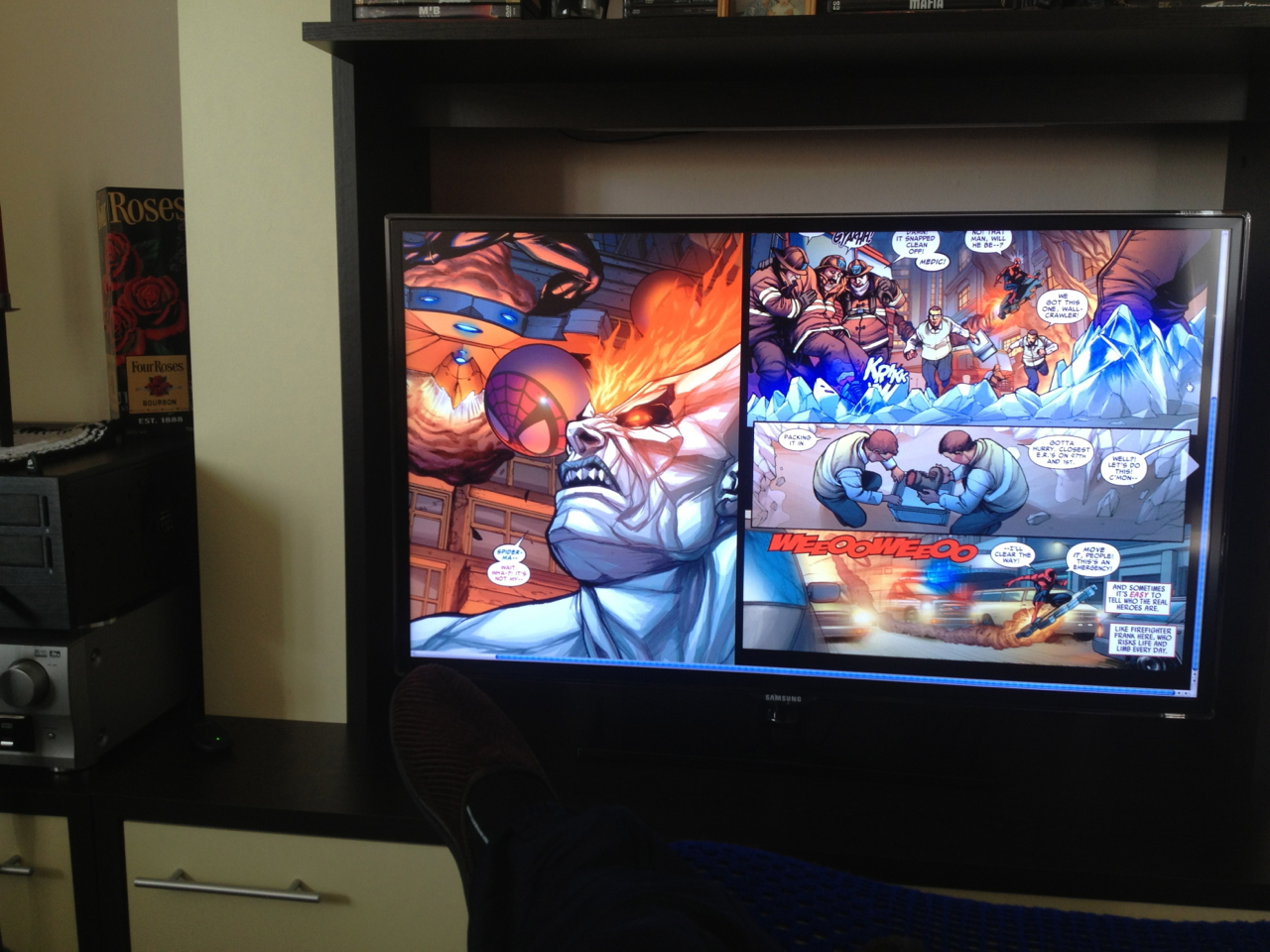
At the beginning of this year I set out to build myself a HTPC to satisfy my newly emerged want for games and also serve as media playback machine, i.e. Blu Ray, DVD and everything I have on iTunes. Accompanying the PC (yes, it was a PC not a Mac) was a Samsung 40″ TV. Following are my – then anounced and long-in-the-waiting – experiences using this combo for gaming and watching movies – and even reading comics.

Read More »